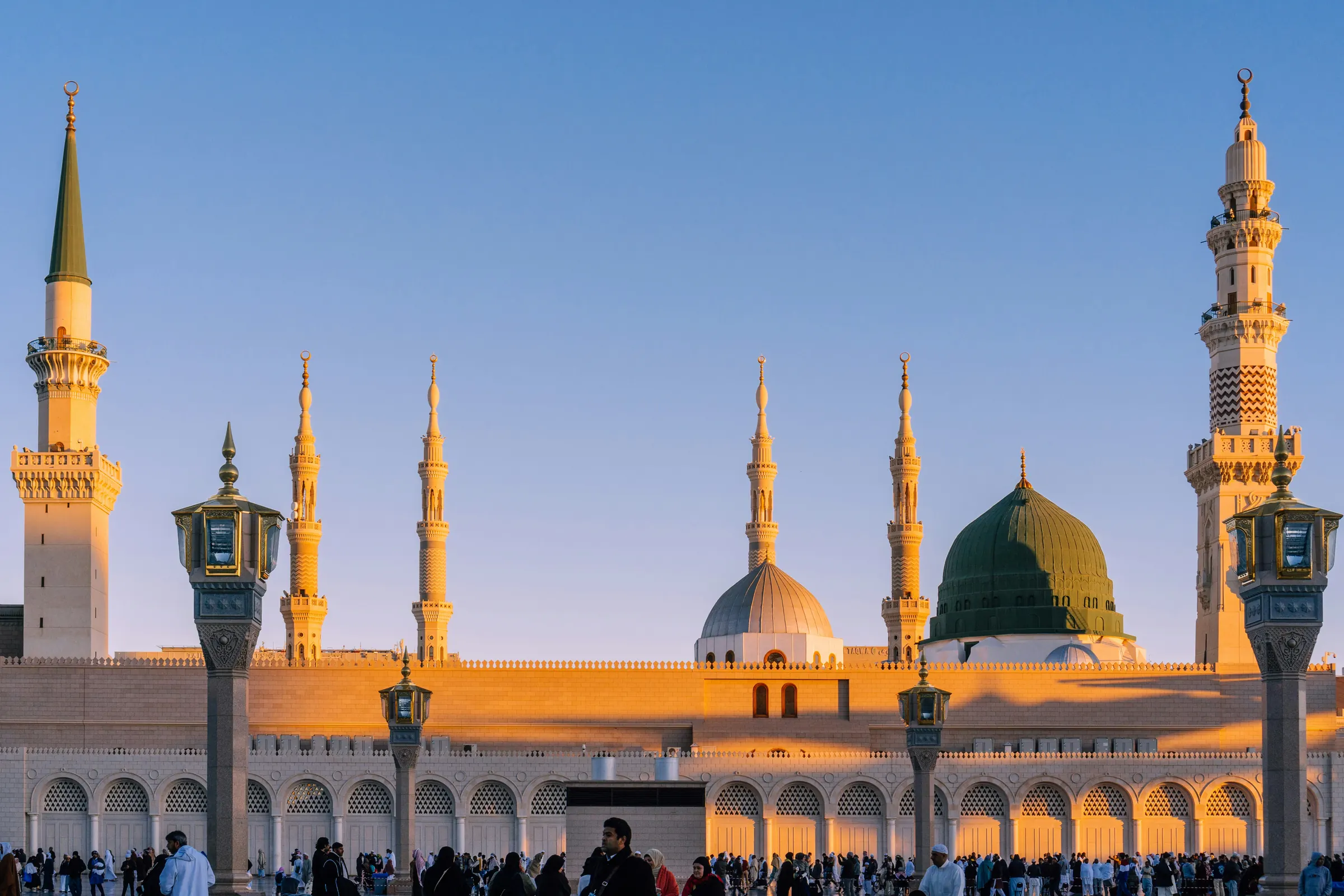
Visiting the Rawdah
A visit to the Rawdah in Masjid an-Nabawi needs a free permit from Nusuk. Here is how to book one, step by step.
Photo: Sulthan Auliya / UnsplashFour steps
Book your permit in Nusuk
Everything happens in the app. You need a permit for the Rawdah itself; you don't need one to pray elsewhere in the mosque.
- Step 1
Download Nusuk
Get Nusuk, Saudi Arabia's official app for Rawdah and Umrah permits, from the App Store or Google Play. Booking is free. - Step 2
Sign up
Register with your passport and visa, or your Iqama if you live in Saudi Arabia. Add family members to your account so you can book together. - Step 3
Choose the Rawdah visit
Pick an available date and time. Men and women have separate times. Each person can only book so often, so choose a time you are sure of. - Step 4
Show your permit
Open the permit in the app and show its QR code at the entrance. Arrive a little before your time, and take a screenshot of the code in case your signal drops.
Times
Check the times in Nusuk
Visiting times for men and women are set by the General Authority for the Affairs of the Two Holy Mosques. They change with the season, on Fridays and in Ramadan, so we don't list them here. The app shows the times open to you.
If something goes wrong
Common snags
No times left?
New slots are released regularly. Check again later in the day and late at night.
Details not accepted?
Check that your name and passport number match your visa exactly, and that the app is up to date. If it still fails, use the support chat in the app.
Can't make it?
Cancel in the app so the slot goes to someone else.
No permit?
You can still pray anywhere else in Masjid an-Nabawi.
Women visiting with family? See Women & families
Ask the desk
Stuck on a step? Message our reception team on WhatsApp.